
website:real-time_activity
Real-time activity
| In this page you can monitor your worktime in real time with worktime data, screenshots and gps positions |
|---|

You can filter the user in two ways:
- Open the Advanced filtering menu and you can see the followings:
- In the Filter-status menu:
- Here you can filter the users who are worked today or inactive at the moment etc…



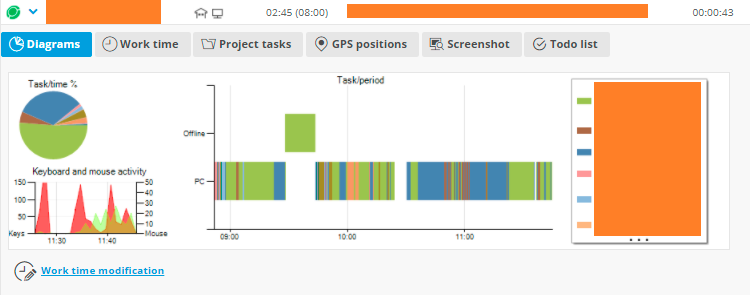
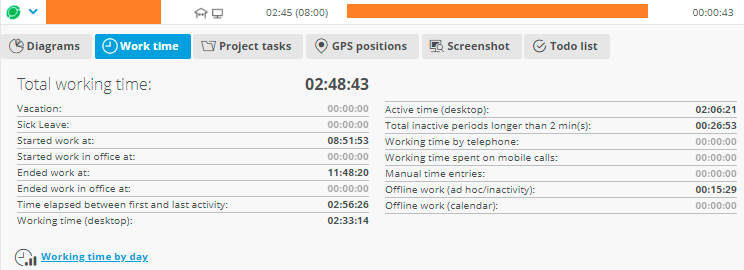
If you want to know more information about the user, you can click on it's row to open more information panels like:
- The Diagrams panel
- Or the Worktime panel


website/real-time_activity.txt · Last modified: 2021/06/01 11:28 by support